
 Cart is empty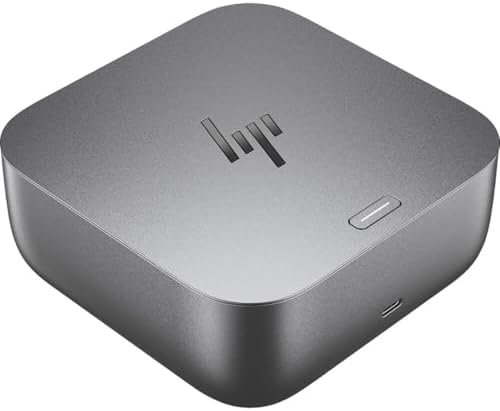
Description
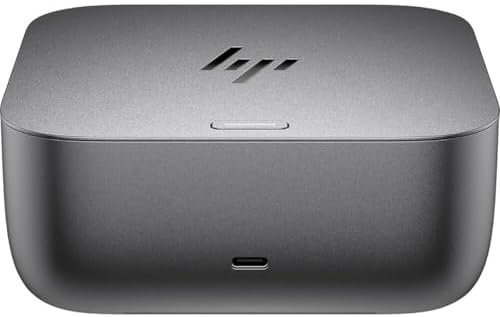
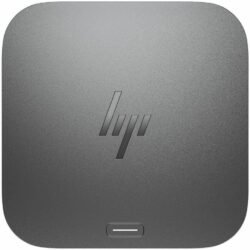
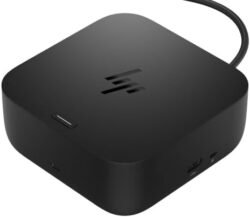
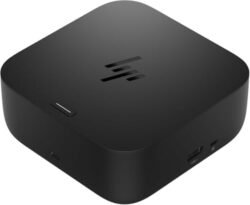
Powering your workday flows naturally with the HP Thunderbolt 4 100W G6 Dock. Focus on what matters with hands-off management, frictionless connections to your devices and power that’s ready when you need it. With state-of-the-art security, your devices remain safe.Power your everydayThis dock starts working before you even take a seat. HP Quick Connect wakes your devices when approaching so you never have to slow your rhythm. Keep the power flowing all day with a high-speed Thunderbolt™ 4 connection and plenty of ports to connect your devices.Everything, securedPrevent potential threats with HP Wolf Security, interlacing HP Sure Start and Zero Trust Framework to provide complete end-to-end security. Work and rest easy knowing everything from the dock to the cloud is protected.Hands-off manageabilityCloud manageability with Poly Lens unlocks hands-off manageability from anywhere. Administer automatic firmware updates anytime and easily monitor telemetry and analytics to optimize workspaces and support users effectively.Built to lastThoughtfully designed with longevity in mind. Durably crafted with replaceable parts to maximize your fleet’s lifecycle. Built with a power consumption module to monitor your energy consumption. Consciously wrapped in plastic-free packaging.
Amit M. –
Amazing dock. I bought this after I returned Anker dock. Just works like a charm. I use this with my Macbook Pro. The moment I plug in it works without explicitly waking the laptop or downloading any drivers (unlike Anker). Just go for this and you will never go wrong.
Jesse –
Works well enough for dual monitor setup on Linux with thunderbolt connection.There is a fan and it is louder than I’d like for something that sites on my desk and I would normally expect to be silent. Especially since it goes on and off sometimes spins up very fast. If it were at least one steady speed I could get used to it.I bought this to also work with a M4 Macbook Pro specifically for dual monitor support. From what I can tell this setup SHOULD work. The second monitor only half works and goes off and on several times per minute so is unusable. And USB devices hooked through the dock don’t get recognized on mac so I have to plug those in with a separate USB dock.
Charles Bryant –
Item doesnt work. new hp laptop wont even recognize it. HP support is trash.
Thomas A. Balboa –
I had to upgrade my docking station when I upgraded my laptop and my old docking station didn’t have the oomph to power all my devices. As docking stations go, this one is a beauty. The silver look is very sleek. I have it powering 2 monitors, a webcam, an external speaker, and Blue microphone. There is still 1 port HDMI port left if I wanted to connect something else. My one gripe is the sensors that detect when I am near turn on my monitors every time I walk to the kitchen. When I am not on my PC, I want my equipment to sleep, but even if my laptop isn’t connected my monitors will still turn on. So now I have to physically turn off the monitors with their power buttons until I figure out how to change that setting with the dock. But otherwise, I am happy with this purchase!
kjmerd –
Great dock that pairs well with my HP laptop and surface pro. Lots of ports for all my accessories.
CLK –
I am sure this is a great hub… BUTHP website said it was compatible with my HP laptopIt was NOT!VERY DISAPPOINTING